Build a Medieval Army Private Servers & Lag Tips
Use free private servers to practice Medieval War Tycoon systems when public lobbies stutter.
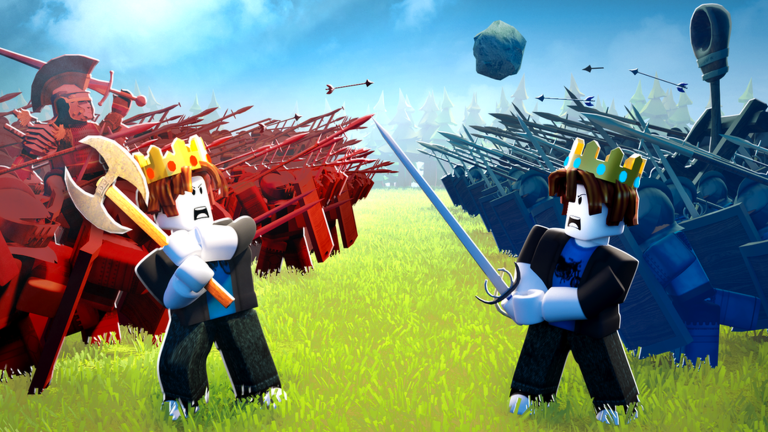
ZedCo’s official description for Build a Medieval Army (Medieval War Tycoon) is blunt: the game may need a solid device or connection for smooth play, and if you still lag—or want to play with friends—private servers are free. That single sentence saves a lot of rage quits. This guide explains when to use a private server, what you can practice there, and why you still need public lobbies to learn contested hills and flag wars.
Why the experience asks for performance
You are simulating armies, flag carriers, hill contests, and base raids in a shared world. Low FPS or high ping turns clean returns into deaths and makes army commands feel delayed. Before you blame troop tiers, stabilize the session.
Free private servers: what they are for
Private (VIP) servers let you:
- Inspect UI calmly—gear menu codes, recruitment, orders (Controls Hub, How to Redeem Codes).
- Practice escort paths without a sweaty lobby deleting you every thirty seconds.
- Teach friends the loop from How to Play without random raids.
- Test camera settings and mobile layouts.
- Rehearse defend setups before you trust them in publics (How to Defend Your Base).
They are not a full substitute for learning contested hill +20% income or real flag steals against humans (How to Capture Flags).
How to start a free private server
- Open the Roblox experience page for Build a Medieval Army / Medieval War Tycoon.
- Use the servers / private server controls Roblox shows for that experience.
- Create or join your free private server.
- Invite friends if you are drilling co-op habits.
Roblox’s private-server UI can move slightly over time; if a button label changed after a platform update, the official experience page remains the source of truth. The important fact from ZedCo stays: private servers are free for this game.
Lag checklist before you spend Robux
- Close background downloads and browser tabs eating CPU.
- Lower graphics if FPS collapses during big crest fights.
- Prefer wired or stable Wi-Fi; peak ping destroys escorts.
- Avoid stacking every particle flex while learning.
- Try a private server to separate “my PC struggles” from “this lobby is chaos.”
- Only then evaluate Double Income or soldier passes on the Gamepasses Tier List.
Buying Giant ZED or Catapult Troop will not fix a 200ms rubber-band. Fix the session first.
Practice curriculum in a private server
Session A — Economy UI. Redeem every active code from the Codes Hub, claim the free Praetorian, and buy a starter line using Early Game Income priorities.
Session B — Pathing. Walk return routes and stage points for hill takes without combat pressure.
Session C — Orders. Alternate charge, defend, and follow on clear triggers (Army Commands).
Session D — Friends. Run 2–4 player drills: one defends, one returns, one contests hill.
Then hop to a public server and apply the same habits under stress.
Public lobbies still matter
You need publics for:
- Real contested hills and reverse raids.
- Reading opponent army compositions.
- Prestige timing under pressure (How to Prestige, Income Prestige Planner).
- Understanding whether your troop and prestige unit choices survive humans.
A private-server champion who never publics will freeze the first time three neighbors collapse on the crest.
Related places and expectations
Community trackers sometimes list side places (for example commander-style servers with XP modifiers). Treat those as optional extras. Your core progression, codes, Praetorian group reward, Premium +10% cash, and hill +20% income still center on the main experience. Re-verify odd subplaces after updates on the Updates Hub.
Mistakes
- Quitting the genre because one sweaty public felt unplayable—try free private practice first.
- Living forever in private servers and never learning contested returns.
- Spending Robux to “fix lag.”
- Installing scripts that promise performance or autofarm—ban risk on Scripts Hub.
Related reading
Guides Hub · Controls Hub · How to Play · How to Claim the Hilltop Flag · Review
When the official page says private servers are free, believe it—use them to learn cleanly, then earn your hill minutes in public wars.
Frequently Asked Questions
Quick answers for Build a Medieval Army players.
Are private servers free in Build a Medieval Army?
Yes. ZedCo’s official game description states private servers are free if you lag or want to play with friends.
Should I only play in private servers?
No. Use them to practice UI, pathing, and orders. Return to public lobbies to learn contested flags and hill fights.
Can a private server fix all lag?
It can reduce chaos and help you test settings, but a weak device or unstable network can still stutter. Lower graphics and stabilize your connection too.
Is buying gamepasses a lag fix?
No. Fix session performance first, then buy passes that match a real gameplay bottleneck.
What should I practice first in a private server?
Redeem codes, claim Praetorian, rehearse flag return routes, then drill charge/defend/follow orders.